
Why was my photo rejected?
As soon as you pick a photo, an AI safety check looks at it. It refuses a photo for one of five reasons: the person may be under 18, the photo shows nudity or lingerie, there is no real person in it, it shows a public figure, or it’s a group photo we can’t crop to one person. Group photos are usually cropped to one person for you, and swimwear photos are fine with a dress or a full outfit. A rejected photo costs nothing: no change or credit is used.
Last updated: November 18, 2026
The five reasons, and how to fix each
1. More than one person is in the photo
Why: When two or more people are equally prominent, as in a group photo or a couple shot, we have to know whose clothes to change. In most group photos the site finds each person and crops the photo to one of them for you (tap “Change crop” to pick someone else). People who are clearly in the background, smaller or blurred, such as passers-by or a crowd, are fine.
How to fix it: Use the automatic crop, crop the photo yourself so only you are in it, or use a solo shot. A mirror selfie of just you is fine.
2. The person may be under 18
Why: ClothChanger is for adults only, so photos of children and teenagers are always refused. The check only refuses people who clearly or very likely look under 18; looking young is not a reason on its own.
How to fix it: Use a clear, well-lit photo of an adult (18+) facing the camera. Avoid heavy filters, very low light and photos taken from far away, which make age harder to judge. If the person is under 18, the photo can’t be used.
3. Nudity, lingerie or a sexual photo
Why: ClothChanger only replaces clothes with other clothes, never with less. Nude or topless photos of women, photos in only underwear or lingerie, and sexually suggestive photos are refused. Swimwear is fine: a beach or pool photo can be dressed in a dress or a full outfit (a top alone would leave the swimwear showing), and swim shorts in trousers or jeans. Shorts, crop tops, evening gowns, pyjamas and traditional dress such as a sari or lehenga are all fine.
How to fix it: Use a photo where you wear clothes or swimwear, and with swimwear pick a dress, a full outfit or trousers. The site suggests ones that fit.
4. No real person in the image
Why: The check needs a photo of a real person. Drawings, cartoons, screenshots of text, objects and animals are refused.
How to fix it: Upload a photo of one real person, ideally from the waist up or full length, with the body clearly visible.
5. It looks like a celebrity or public figure
Why: To prevent deepfakes, photos of recognisable celebrities, politicians, athletes and influencers are refused.
How to fix it: Upload a photo of yourself, or of someone who agreed to it.
What a good photo looks like
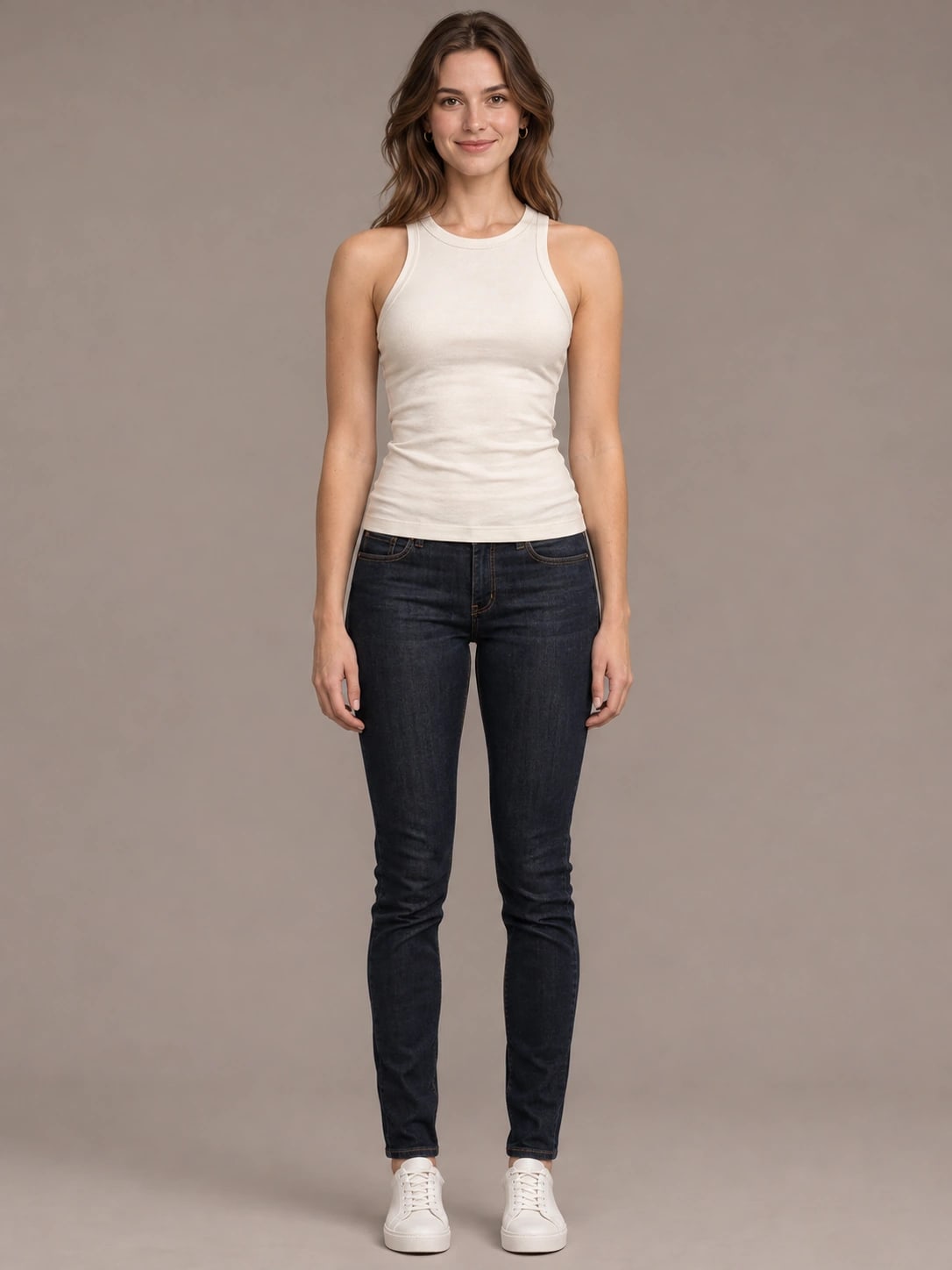
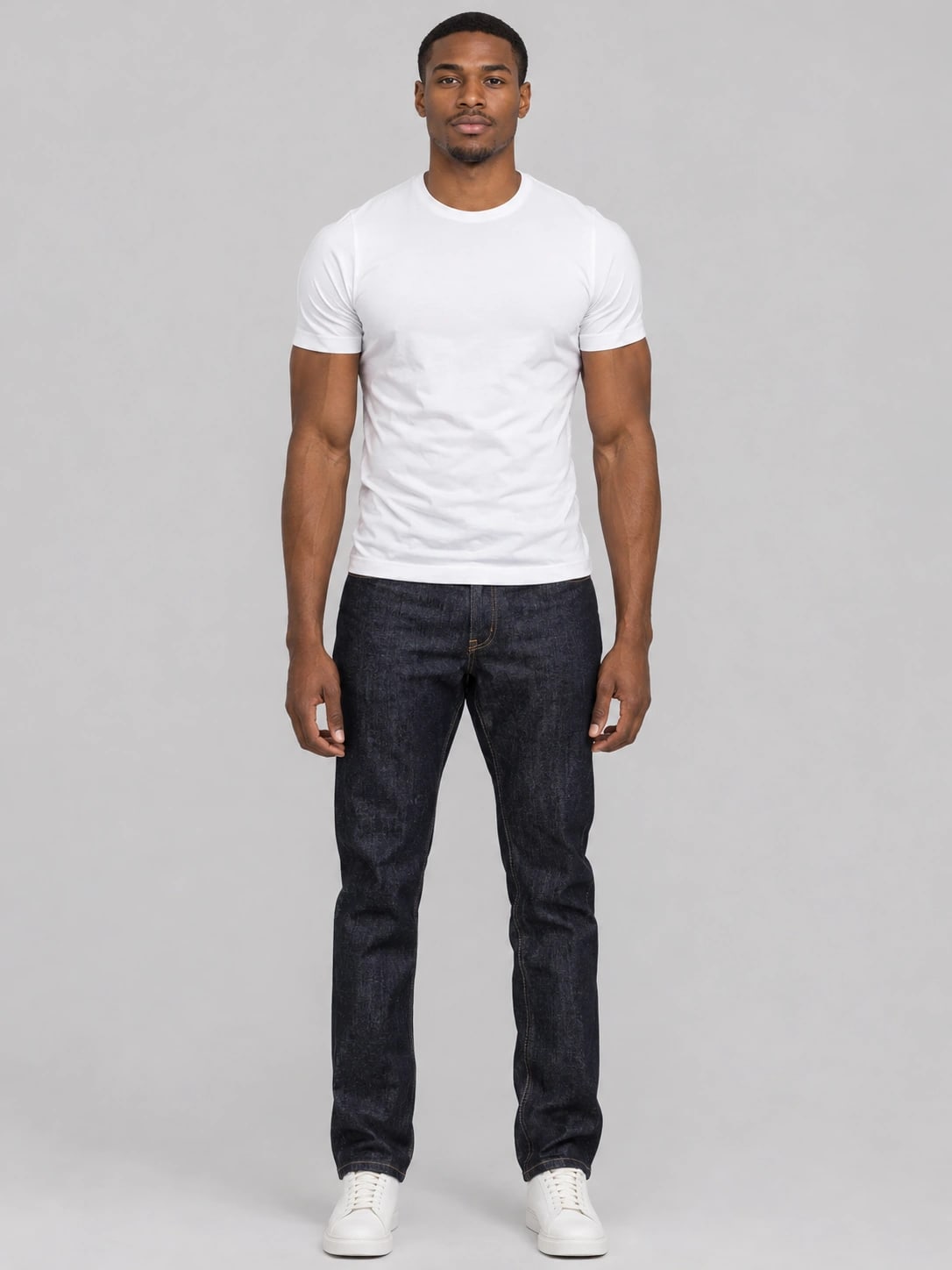
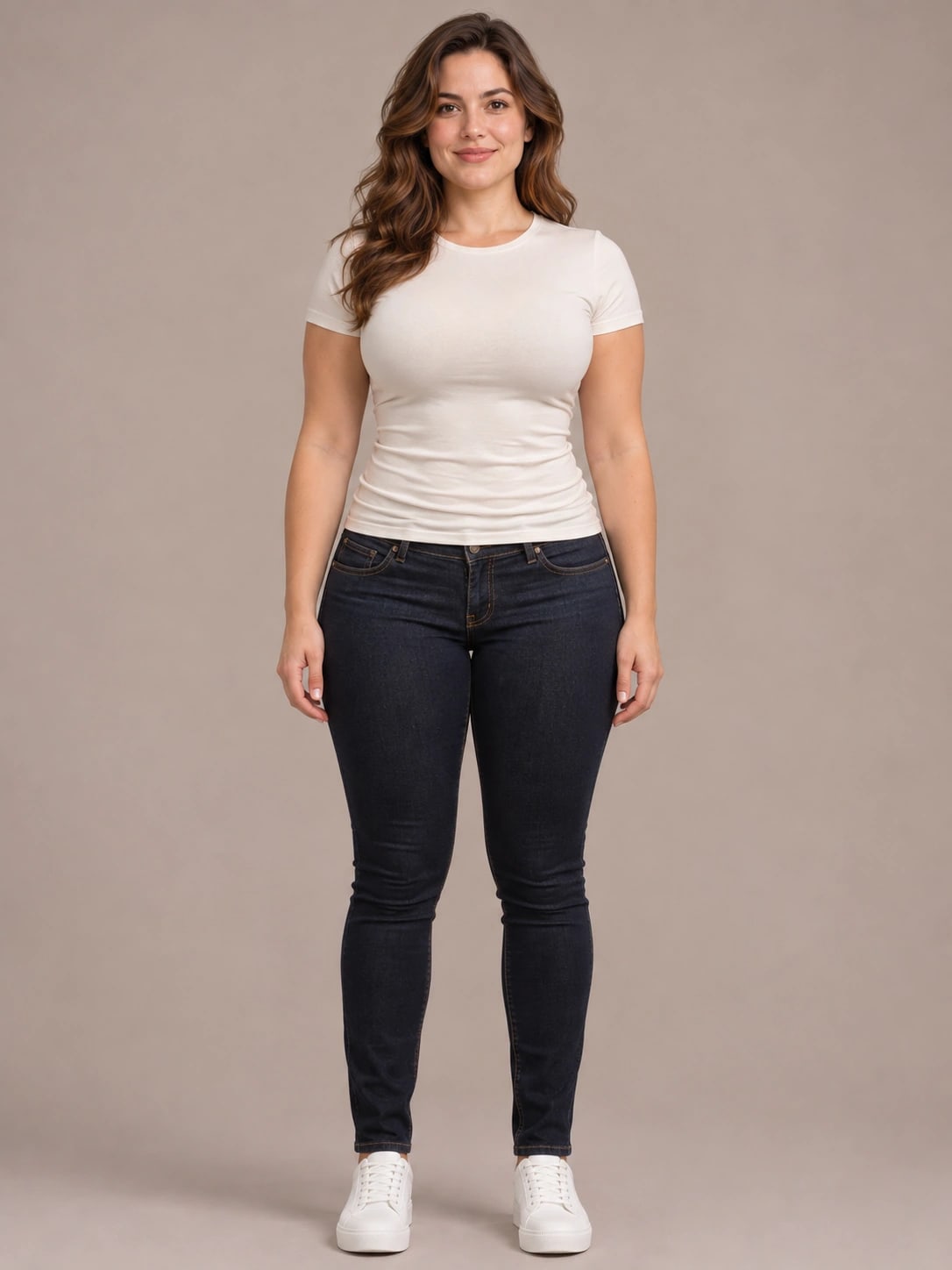
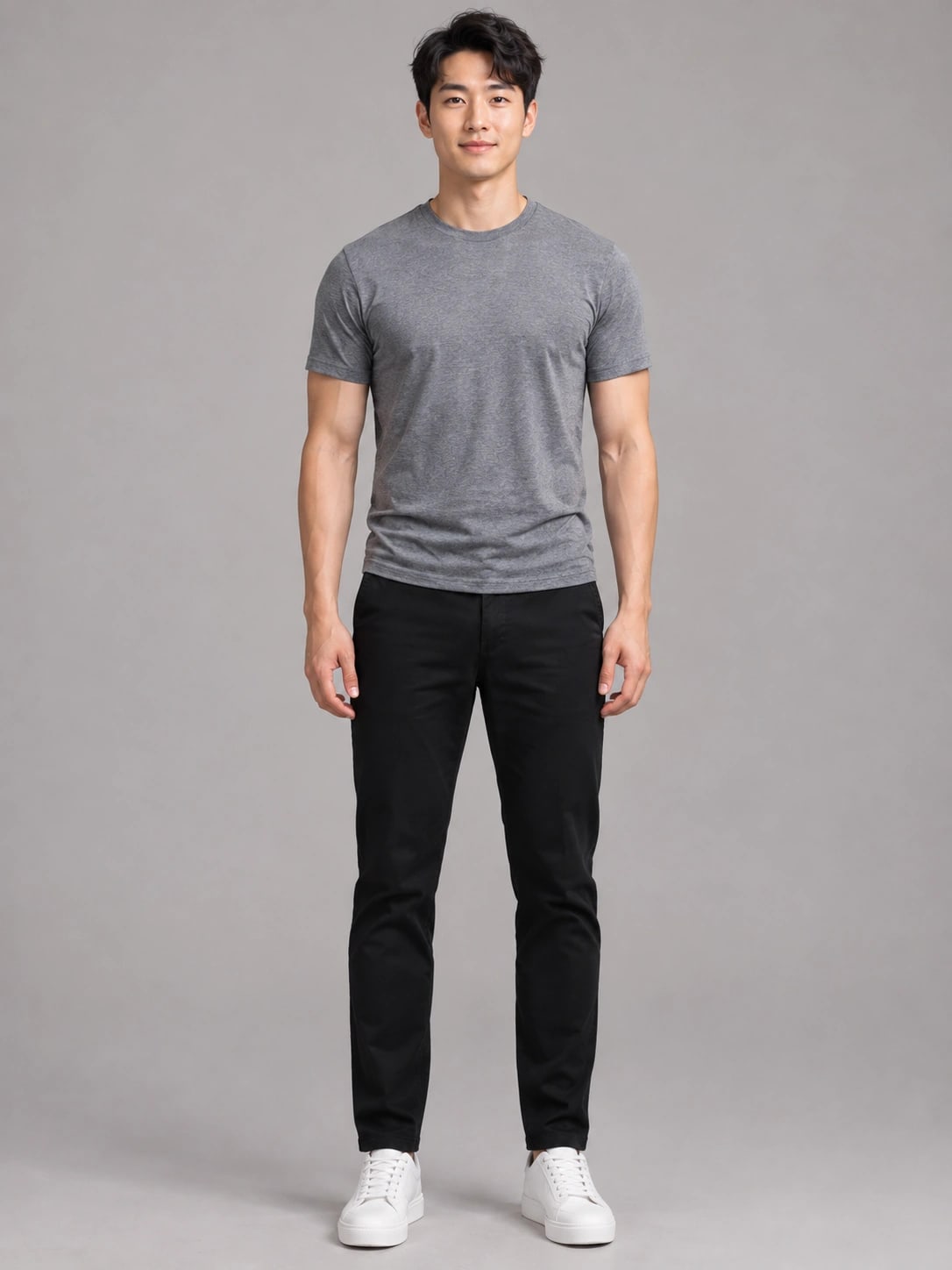
These are our synthetic sample people (AI generated, not real people). A photo like them works best:
- One adult, alone in focus
- Everyday clothes (swimwear works with a full outfit)
- Waist up or full length, facing the camera
- Good light, no heavy filters
- A JPG, PNG or WEBP photo under 20 MB
Was I charged?
No. The photo check runs before anything is generated, and nothing is charged for a rejected photo. Your free changes and credits stay as they were. Uploaded photos, including rejected ones, are deleted from our storage after 24 hours.
Try another photo
Pick a new photo, or try a sample person first to see how it works.
Upload another photo